6 Things to Look for in Job Automation Tools
A Practical Guide to Evaluating Modern Workload Automation Platforms
6 Things to Look for in Job Automation Tools
Learn What Modern Workload Automation Should Look Like Before You Buy, Replace, or Renew.
What The Guide Covers
Workload automation has come a long way from simple job schedulers. The best platforms today are intelligent orchestration engines, coordinating complex, business-critical processes across hybrid infrastructure, cloud services, and distributed applications from a single point of control, while replacing custom scripts with centrally managed, auditable workflows.
This guide gives you a clear, experience-led view of the 6 capabilities that define what modern automation platforms should deliver, so you have a practical framework you can use to evaluate any platform with confidence.
Who Will Benefit From It
This guide is relevant to any IT leader, operations team, or technical decision-maker who is responsible for automation infrastructure. It is particularly useful if you are evaluating platforms for the first time, comparing options as part of a replacement project, or working in an organisation that has scaled to a point where its current tooling is no longer keeping pace.
Pro2col are specialists in workload automation and have helped organisations across finance, retail, healthcare, logistics, and government navigate these decisions.
What You Will Take Away
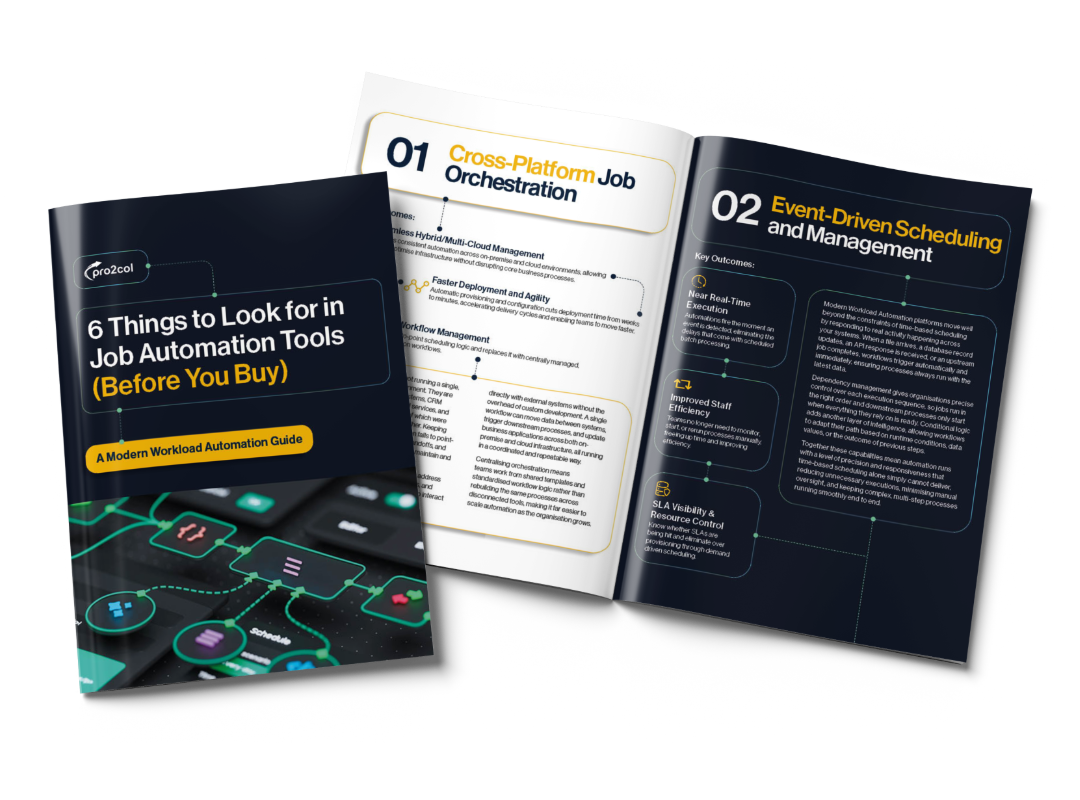
Our guide '6 Things to Look for in Job Automation Tools' provides a practical framework for evaluating whether a workload automation platform can genuinely support your operations at scale.
You will come away with a clearer picture of where your current tooling may be creating risk or limiting growth, a consistent set of criteria for comparing platforms fairly, and a better understanding of the compliance and security requirements that modern automation environments need to meet.
What You Will Take Away
Our guide 6 Things to Look for in Job Automation Tools provides a practical framework for evaluating whether a workload automation platform can genuinely support your operations at scale.
You will come away with a clearer picture of where your existing solution may be creating risk or limiting growth, a consistent set of criteria for comparing platforms fairly, and a better understanding of the compliance and security requirements that modern automation environments need to meet. This includes recognising when custom scripts and ad hoc automation have become a barrier to scalability, visibility, and operational resilience.
What's Included in the Guide
This guide breaks down the 6 capabilities that matter most when evaluating whether a platform can genuinely support your operations at scale. Inside you'll find:
Cross-platform job orchestration across hybrid and cloud environments
Event-driven scheduling and why it outperforms time-based approaches
Centralised visibility and control across every job and workflow
Security, governance, and audit trail for GDPR, HIPAA, PCI-DSS, and FCA
Real-time monitoring and proactive alerting
Scalability and operational resilience at an architectural level
One Platform to Orchestrate Every Critical Workflow
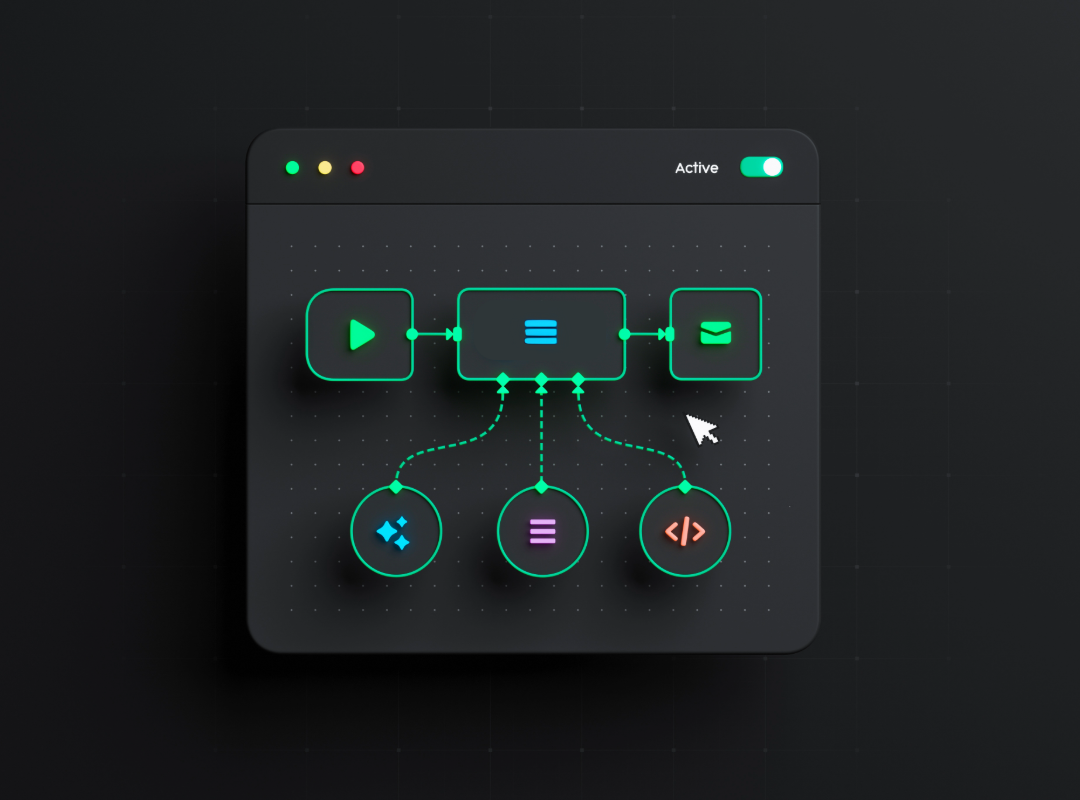
JAMS is a centralised workload automation and job scheduling platform that runs, monitors, and manages the jobs and workflows your business depends on, across every system and environment from a single console.
Related Guides and Resources
|
|
Understand Workload Automation & Scheduling
Learn how Workload Automation (WLA) and Job Scheduling can help create efficiency across your enterprise systems.
Learn About WLA
|
|
A Zero Trust Approach to Data Transfer Whitepaper
Learn how to build a Zero Trust architecture and reinforce the security of your file transfers.
Read The Whitepaper

|
|

Discover the Best File Transfer Software Tools
Our experts review the market to reveal the best enterprise-grade file transfer solutions available today.
View The Latest ListOne Platform to Orchestrate Every Critical Workflow
JAMS is a centralised workload automation and job scheduling platform that runs, monitors, and manages the jobs and workflows your business depends on, across every system and environment from a single console.
Frequently Asked Questions
Job scheduling refers to running tasks at a set time, typically on a single system or server. Workload automation goes significantly further, coordinating dependencies between jobs, responding to real-time events across systems, managing failures and restarts, and orchestrating complex multi-step workflows across hybrid infrastructure, cloud services, and distributed applications.
Where a job scheduler answers the question of when a task runs, a workload automation platform manages what happens before it, after it, and if something goes wrong. Most organisations that started with a basic job scheduler find it becomes a limiting factor as their processes grow in complexity and their technology environment expands.
The signs are not always obvious at first because automation tools tend to keep running even when they are being pushed beyond their original design. Common indicators include a growing reliance on manual intervention to keep processes on track, difficulty getting a clear view across all jobs and workflows without logging into multiple systems, increasing concerns around audit trails and compliance reporting, and a platform that struggles to handle new integrations or higher transaction volumes without significant additional effort. If your team is spending more time managing the automation tool than benefiting from it, that is usually a strong signal that something needs to change.
The right answer depends on your environment and what is causing the most friction today, but the capabilities that consistently matter at an enterprise level are cross-platform orchestration, event-driven scheduling, centralised visibility and control, security and governance, scalability, and real-time monitoring.
It is worth evaluating each of these not just on whether a platform has the feature, but on how well it handles it at the scale and complexity your organisation actually operates at. A platform that ticks every box in a demonstration can still fall short in a live environment if those capabilities are not built into the architecture properly. To learn more, download the Modern Workload Automation Guide.
Yes, when implemented correctly it plays a significant role. Modern platforms manage credentials through secure vaults rather than embedding them in scripts or exposing them in logs, enforce role-based access controls so users only interact with what is relevant to their role, and maintain a full and tamper-evident audit trail of every action taken across every workflow.
This reduces the manual effort involved in compliance reporting considerably and gives organisations the transparency they need to demonstrate adherence to frameworks including GDPR, HIPAA, PCI-DSS, and FCA regulations. It also supports a broader security posture by reducing the attack surface and enabling anomaly detection across automation activity.
Yes. Pro2col take a consultative approach to every engagement, working to understand your current environment, operational requirements, and longer-term goals before making any recommendations. With over 20 years of experience and more than 1,500 projects delivered across more than 30 countries, the team brings practical, real-world insight to every conversation. If you want an independent view on which platform is the right fit for your organisation, or a second opinion on an evaluation already in progress, Pro2col are well placed to help. To speak to one of our experts about how Pro2col can help secure your data transfers today, get in touch with our team.