
MOVEit Transfer and Automation 2026.0
 The latest version of MOVEit Transfer and Automation has been released: version 2026.0 (also known as 18.0).
 Version 8.3.2 of Fortra’s Globalscape EFT was released on 30th January and brings with it a number of new features, enhancements, and bug fixes. In this blog, Principal Technical Consultant Richard Auger takes a closer look at several of the most notable additions and improvements included in the release. If you're using EFT in your business, understanding what’s new in 8.3.2 can help you decide how and when to plan your upgrade.
 The idea for this article came about when our Principal Technical Consultant, Richard Auger, was asked by a major UK retailer whether it was possible to automate the sending of files using the GoAnywhere SecureMail process. This differs from the normal approach of automating the sending of emails because the SecureMail process is tied to a GoAnywhere user, and consequently is not normally associated with batch jobs.
 Fortra have just released version 7.8.2 of GoAnywhere MFT. To understand what this means for your existing GoAnywhere File Transfer solution, we turned to Richard Auger, Principal Technical Consultant, to take a closer look at the key enhancements, updates, and fixes included in this latest release.
 In modern workflows, automating email attachment retrieval is a common requirement, but traditional methods like IMAP and POP3 may not always be viable due to company or security policies. In this customer use case, Principal Technical Consultant, Richard Auger explores an alternative approach: leveraging REST API to download Office 365 email attachments and process them efficiently.
 Shortly before Christmas, Fortra released version 7.7.0 of both GoAnywhere MFT and GoAnywhere Agents, unveiling new features and enhancements. To help our customers understand these updates and what it means for their file transfer solution, we tapped into the expertise of our Principal Technical Consultant, Richard Auger.
 File Transfer Dashboards provide a holistic overview of your MFT system from point of entry to point of exit for files passing through. This allows an administrator to identify bottlenecks and plan accordingly, perhaps simply reorganising schedules, or adding servers to an application pool to extend resources at key times.
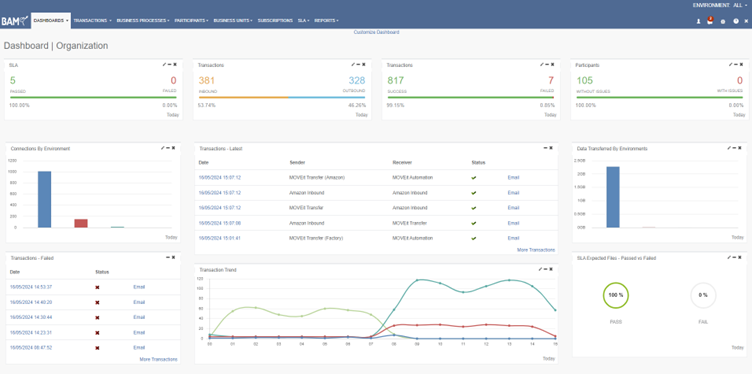 File Transfers underpin the day-to-day running of many businesses, and if they fail or are not running as planned, the impact can be significant. While many MFT tools provide the ability to set up alerts for specific failures, they largely lack a suite of MFT dashboarding and analytics tools that can provide a visual representation of your file transfer infrastructure.
 I’m sure that just like me, you have known technicians who have come up with often ingenious ways to address the day-to-day business challenges that we all encounter. Whilst it’s great to have these people around who can provide a quick solution and support it when needed, it’s far too easy to become dependent upon them...
 Discover the advantages and disadvantages of cloud-based file transfer. Learn from experts and make informed decisions for your file transfer needs.
 GoDrive is an integral part of the GoAnywhere MFT product suite. It provides end-to-end encryption for sensitive files. No files are stored in the cloud, so your organisation maintains local control to meet compliance requirements. A great thing
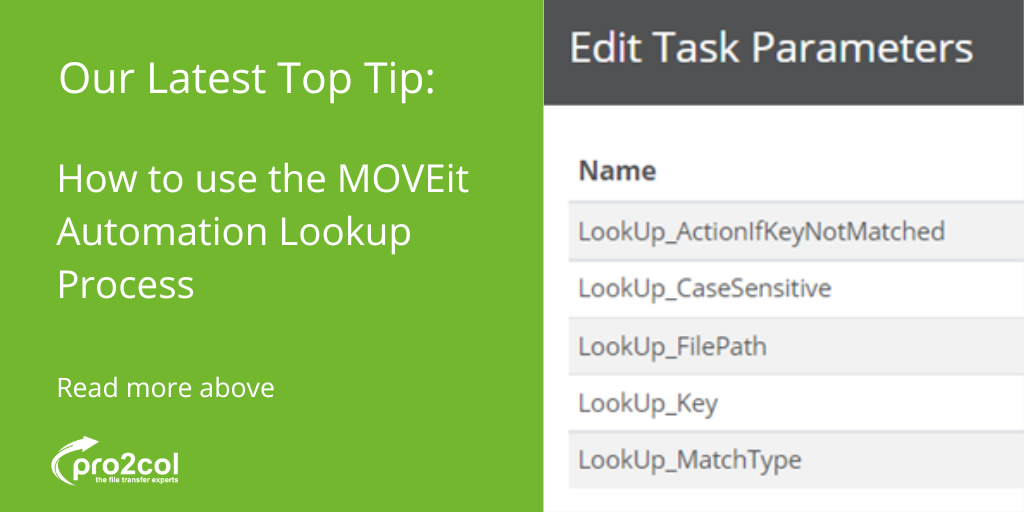 Regardless of the licence purchased, MOVEit Automation has a set of prebuilt scripts that are available straight out of the box for all users. One of the most underused of these is the Lookup process, which can greatly extend the capabilities of
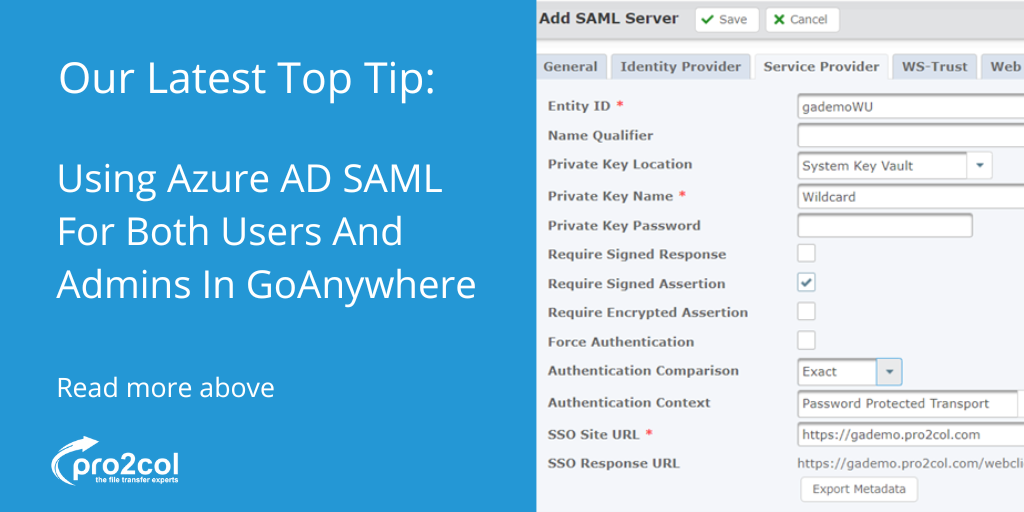 If you’ve tried setting up SAML authentication to Azure AD for both users and administrators in GoAnywhere MFT, then you may have noticed a problem. Azure creates a new certificate for each application that you define, however, the name of the
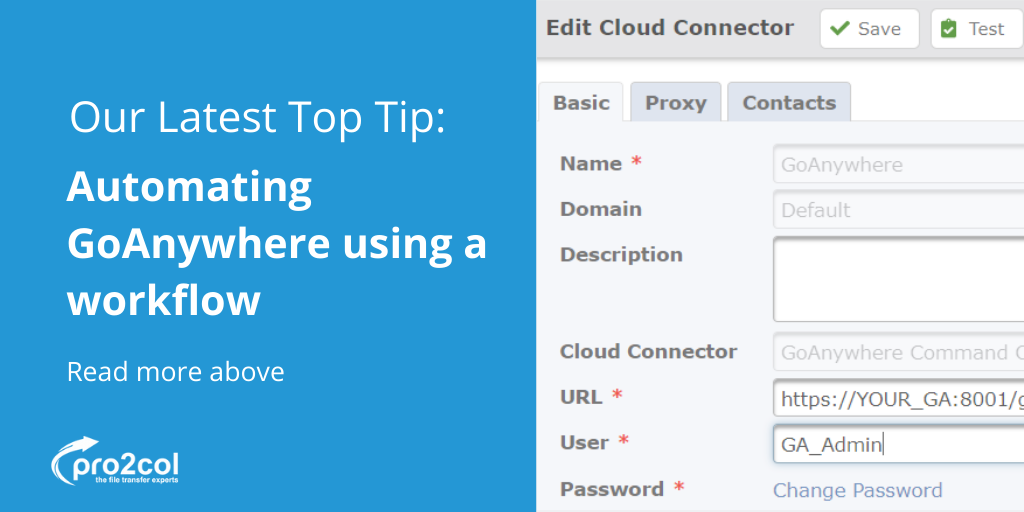 The GoAnywhere administrator console obviously allows administrators to create and manage users etc., however, sometimes it is preferable to automate these activities using either external scripting or a workflow. GoAnywhere has a REST API which
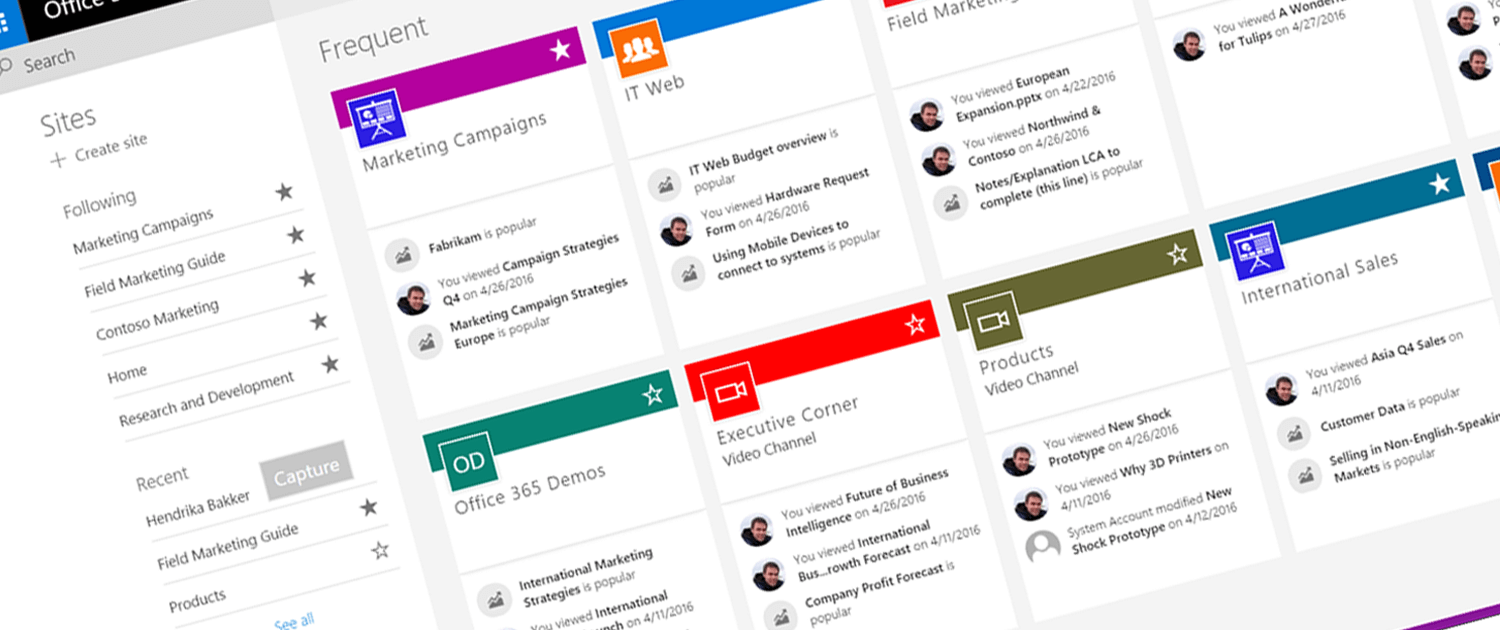 Microsoft SharePoint is not everybody's cup-of-tea. But, with Microsoft dominating the office productivity landscape via it very popular Office 365 subscription service, it's probably the most common document library software in use. We find that IT teams are often asking us about how they can bring SharePoint into their automated Managed File Transfer (MFT) workflows.
 You may have noticed that this is our second blog post on the different configurable modes of FTP, in recent days - after our previous blog on the differences between active and passive FTP. We often write about our experiences at the time and the past 30-days have been no exception, having spoken with and assisted a number of customers through the intricacies of FTP. One such question which keeps coming up is the difference between implicit and explicit FTP - otherwise known as FTPS.